![[Music Distribution] MyGO!!!!! 2nd Single「音一会」Pre-order (Pre-add / Pre-save) Begins](https://api.bandori.fans/v1/images/news/d93e62ca-0624-51b1-886f-6923f3c058cb.png)
News detail
【音楽配信】MyGO!!!!! 2nd Single 「音一会」の事前予約(Pre-add / Pre-save)受付開始
各音楽配信サイトにて、4/12(水)より配信開始となるMyGO!!!!! 2nd Single 「音一会」の事前予約(Pre-add / Pre-save)が受付スタート。Apple MusicのPre-add(プリアド [...]
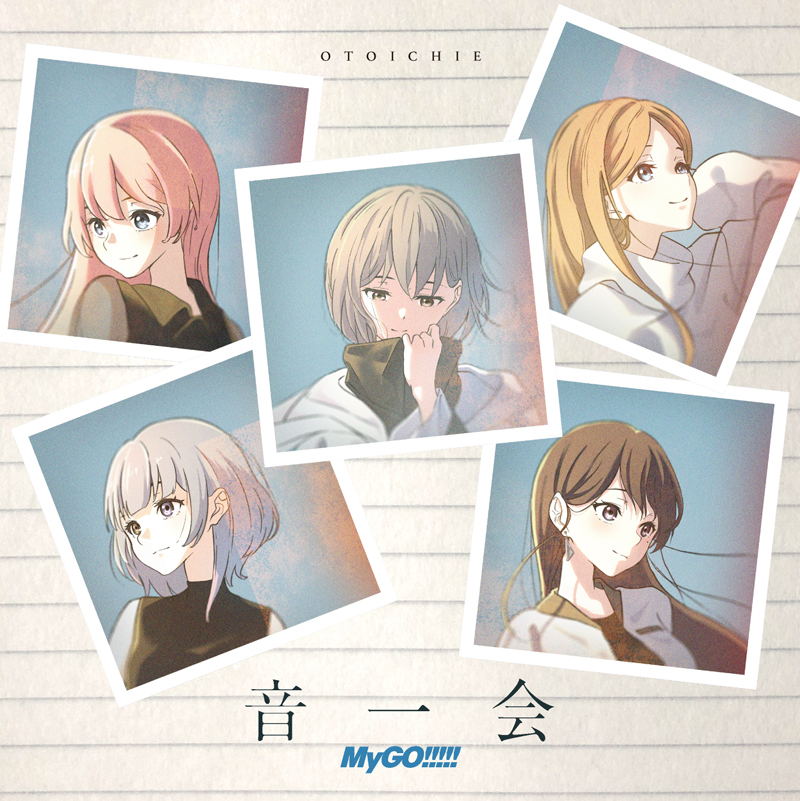
Distribution will begin on 4/12 (Wed) at various music distribution sitesMyGO!!!!! 2nd Single 「音一会」Pre-add / Pre-save reservations have opened.
Apple Music's Pre-add and Spotify's Pre-save are functions that allow you to reserve albums and singles before their release.
If you make a Pre-add / Pre-save reservation using the link below, it will be automatically added to your library or playlist after distribution begins. Please make a Pre-add / Pre-save reservation and wait for the release.
https://bmu.lnk.to/Otoichie_PreWE
How to<Apple Music>
① Tap the 「Pre-add」 button.
② An access request for Apple Music app authentication will appear, so tap 「Allow」.
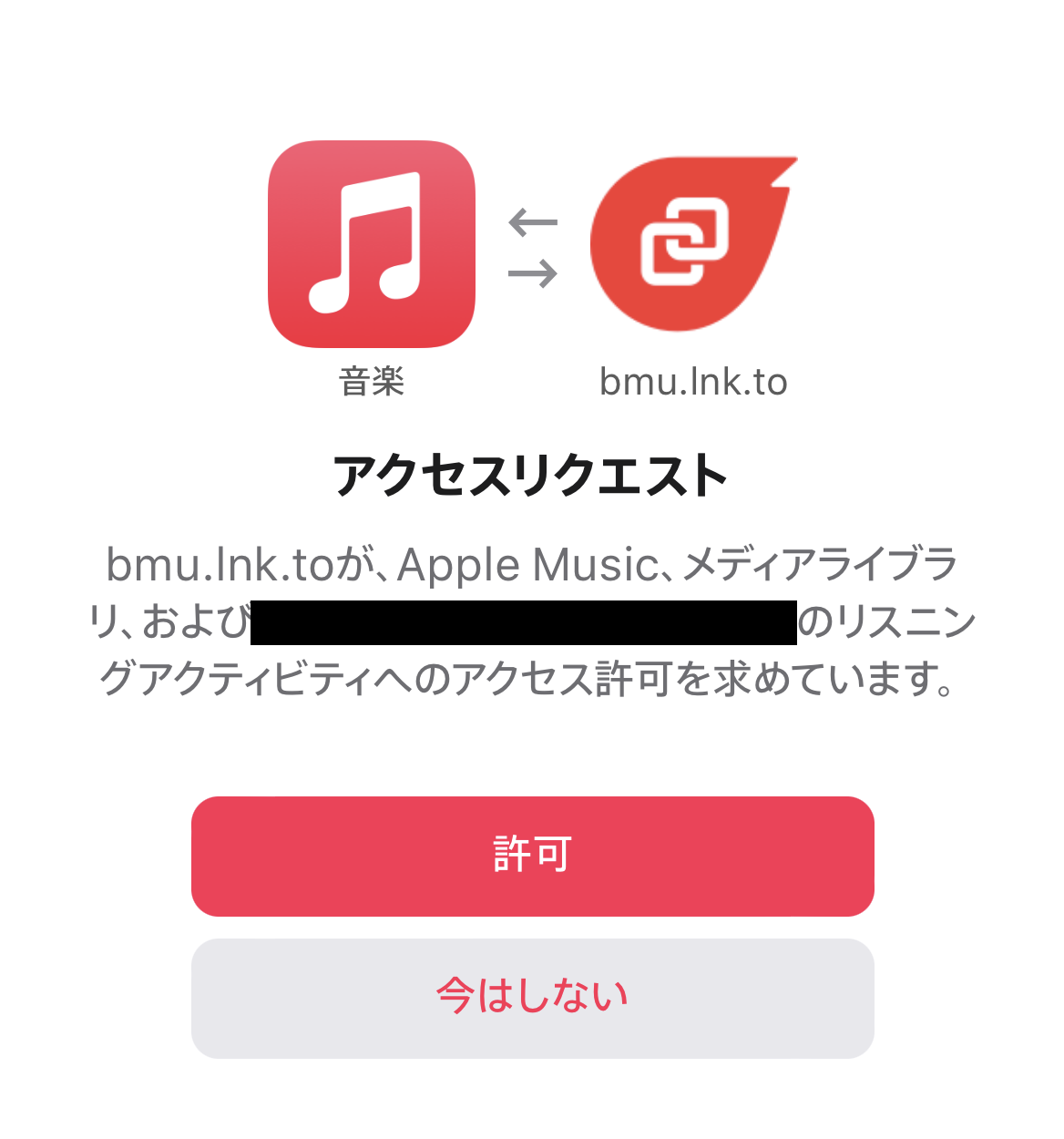
③ When 「We will add it to your Apple Music library on the release date.」 appears at the top of the screen and the button changes to 「Pre-added」, setup is complete.
<Spotify>
① Tap the 「Pre-save」 button.
② A Spotify login authentication request will appear, so log in with your own Spotify account.
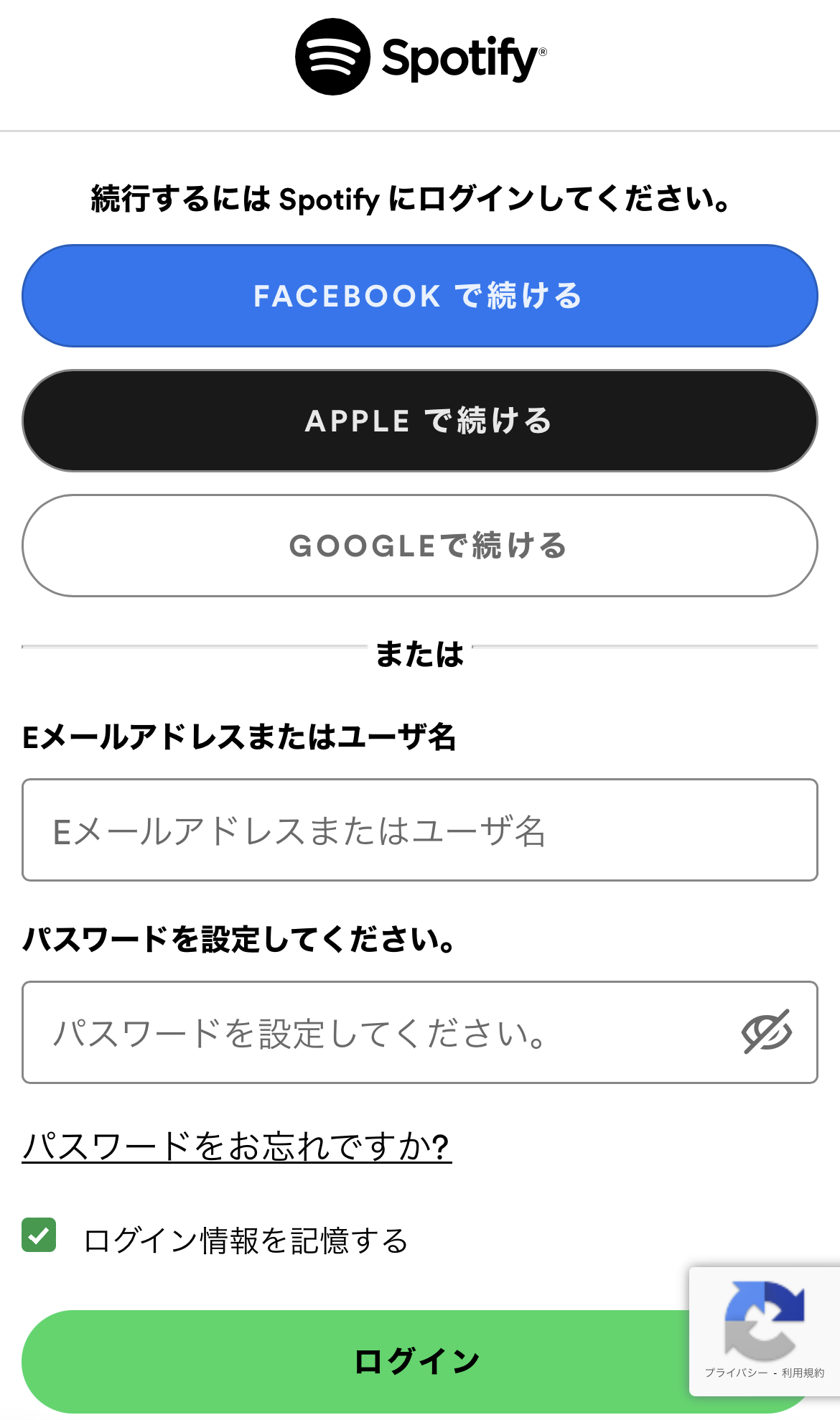
③ When 「Success|We will save it to your Spotify library on the release date.」 appears at the top of the screen and the button changes to 「Pre-saved」, setup is complete.
※ In case the connection does not work properly and the item is not added to your library on the release date, we would appreciate it if you would add it to your library directly from the work page.
※ For those using the Pre-add / Pre-save function for the first time, you will need to connect the music streaming app with 「Linkfire」 following the steps in method ② above.
※ Please open each page in Safari or Google Chrome. If you open the page within another app such as LINE, authentication may not work properly.
※ After completion, you may be asked for consent to 「Want The latest updates」 via email, but please do not consent and close by pressing the × button.
※ Communication costs and monthly subscription fees for each music distribution site are the responsibility of the customer.
MusicUpdated 2026-02-17