News detail
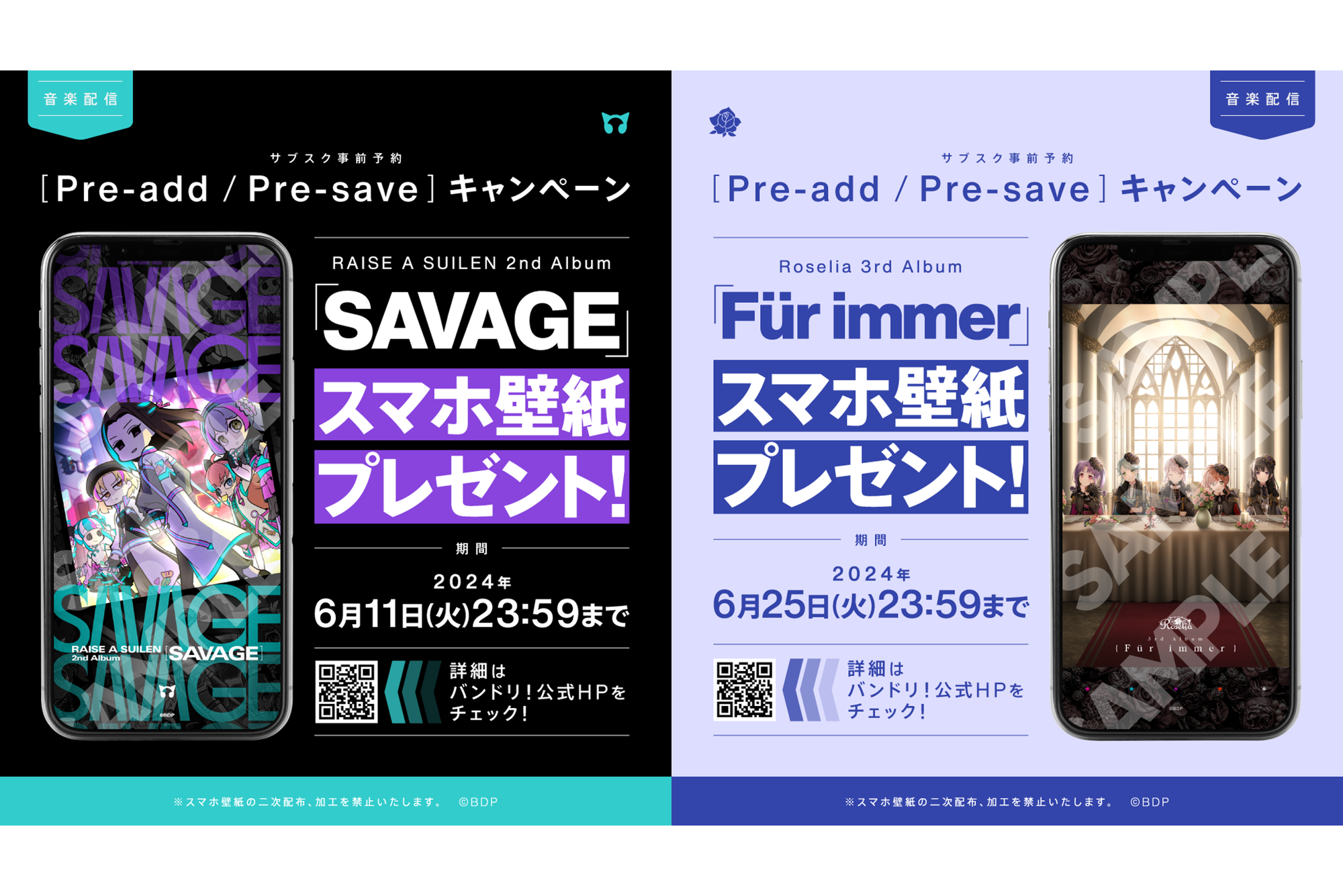
RAISE A SUILEN 2nd Album「SAVAGE」、Roselia 3rd Album「Für immer」のサブスク事前予約(Pre-add / Pre-save)キャンペーン開催!
2024年6月12日(水) RAISE A SUILEN 2nd Album「SAVAGE」、6月26日(水) Roselia 3rd Album「Für immer」のリリースを記念して、サブスク事前予約(P [...]
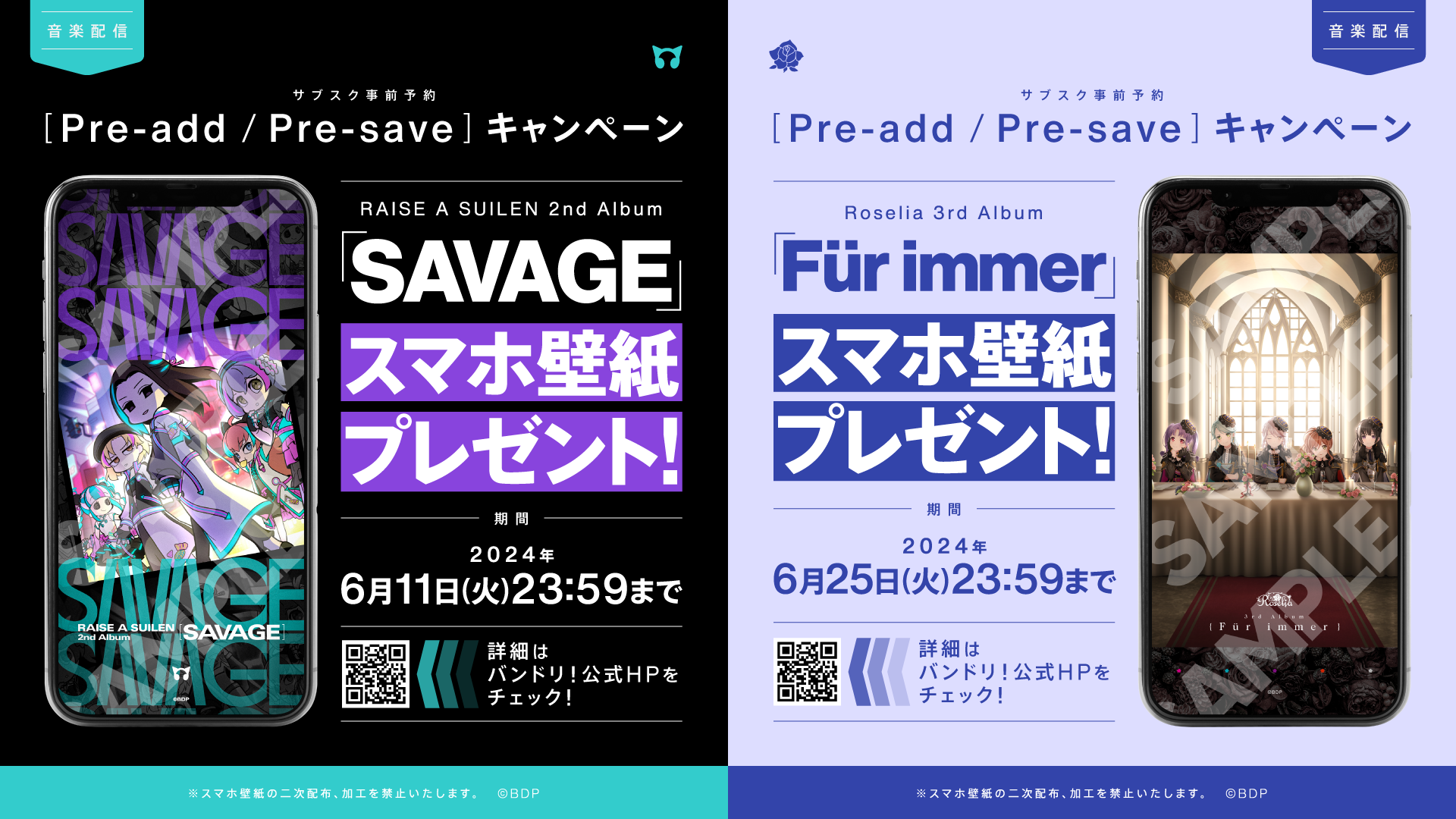
June 12, 2024 (Wednesday) RAISE A SUILEN 2nd Album「SAVAGE」, June 26 (Wednesday) Roselia 3rd Album「Für immer」To commemorate this release, we are holding a subscription pre-add/pre-save campaign!
We will present an 「original smartphone wallpaper」 to all users who perform Pre-add/Pre-save (library addition reservation) on Apple Music or Spotify via the page below during the campaign period!
It's easy to participate, so please be sure to join!
Until 23:59 on the day before each release
・RAISE A SUILEN 2nd Album「SAVAGE」: Until 23:59 on June 11, 2024 (Tuesday)
・Roselia 3rd Album「Für immer」: Until 23:59 on June 25, 2024 (Tuesday)
Please set up Pre-add/Pre-save on Apple Music or Spotify via the campaign page at the URL below.
・RAISE A SUILEN 2nd Album「SAVAGE」
https://www.toneden.io/spaceshower/post/raise-a-suilen-2nd-album-savage
・Roselia 3rd Album「Für immer」
https://www.toneden.io/spaceshower/post/roselia-3rd-album-f-r-immer
① Click 【Click here】 on the campaign page.
② Select Apple Music or Spotify and grant permission to access each app.
③ Once authentication is complete, click 【Click here】 again.
④ If you are using a smartphone, enter your email address and the original smartphone wallpaper will be sent to you by email.
If you are using a PC, please check your download folder.
Prizes
・RAISE A SUILEN 2nd Album「SAVAGE」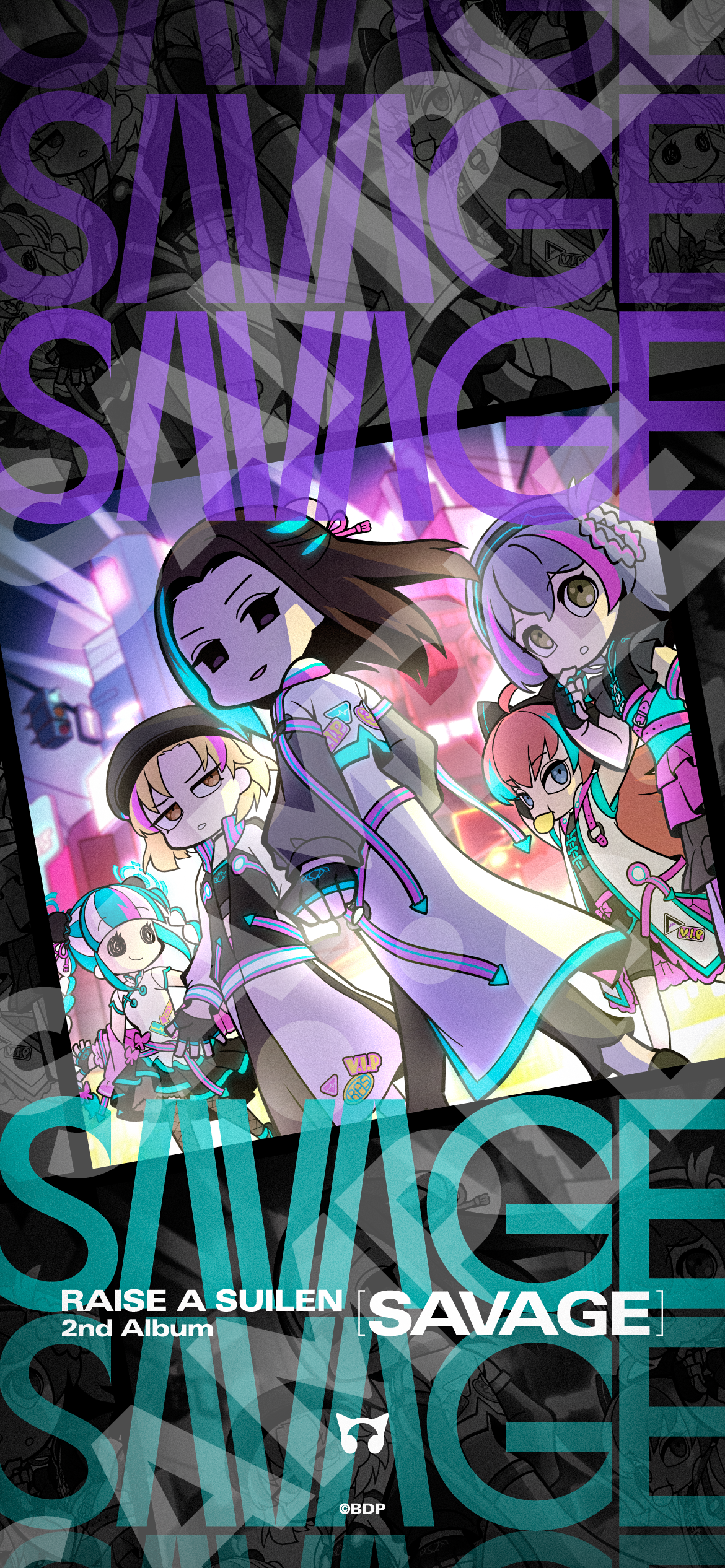
・Roselia 3rd Album「Für immer」

※ The wallpaper image will be the same design on both Apple Music and Spotify.
※ The smartphone wallpaper comes in only one size. Please adjust the size to fit your smartphone and use it.
※ Secondary distribution and modification of the smartphone wallpaper are prohibited.
※ The use of the smartphone wallpaper for activities that damage the image of this content is prohibited.
Apple Music's Pre-add and Spotify's Pre-save are functions that allow you to reserve albums or singles before their release.
If you Pre-add/Pre-save in advance, it will automatically be added to your library or playlist when distribution begins.
※ If the connection is not successful and the item is not added to your library on the release date, please add it directly from the work page.
※ You can Pre-save (library addition reservation) on Spotify even with a free plan.
※ Please open each page in Safari or Google Chrome. Opening the page within another app such as LINE may result in authentication failure.
※ If this is your first time using this feature, you will initially need to link your music app with 「ToneDen」.
※ Communication fees for participating in this campaign and monthly fees for each distribution site are your responsibility.
MusicUpdated 2026-02-17