
View Japanese original
【音楽配信】RAISE A SUILEN 11th Single「-N-E-M-E-S-I-S-」の事前予約(Pre-add / Pre-save)受付開始!
各音楽配信サイトにて、6/28(水)より配信開始となるRAISE A SUILEN 11th Single「-N-E-M-E-S-I-S-」の事前予約(Pre-add / Pre-save)が受付スタート。 Apple [...]

Distribution begins from 6/28 (Wed) at each music streaming site.RAISE A SUILEN 11th Single「-N-E-M-E-S-I-S-」Pre-add / Pre-save reservations have begun.
Apple Music's Pre-add and Spotify's Pre-save are features that allow you to reserve albums and singles before they are released.
If you pre-add / pre-save using the link below, it will automatically be added to your library or playlist after distribution begins. Please pre-add / pre-save and wait.
https://bmu.lnk.to/NEMESIS_Pre
Method<Apple Music>
① Tap the 「Pre-add」 button.
② An access request for Apple Music app authentication will appear, so tap 「Allow」.
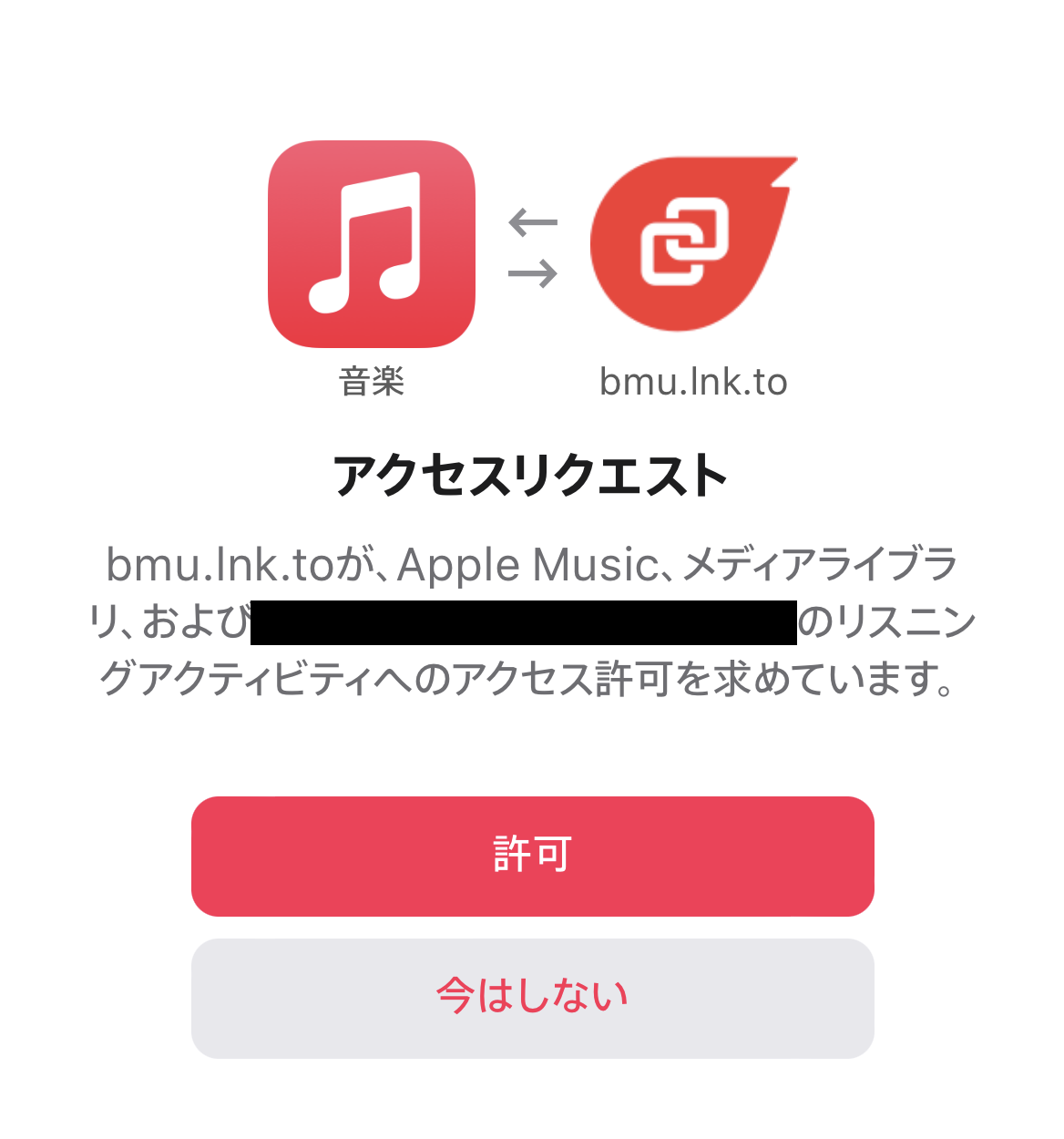
③ When 「We will add it to your Apple Music library on the release date.」 is displayed at the top of the screen and the button changes to 「Pre-added」, setup is complete.
※ After completion, you may be asked for consent to 「Want The latest updates」 and email, but do not agree and press × to close.
<Spotify>
① Tap the 「Pre-save」 button.
② A Spotify login authentication will appear, so log in with your own Spotify account.
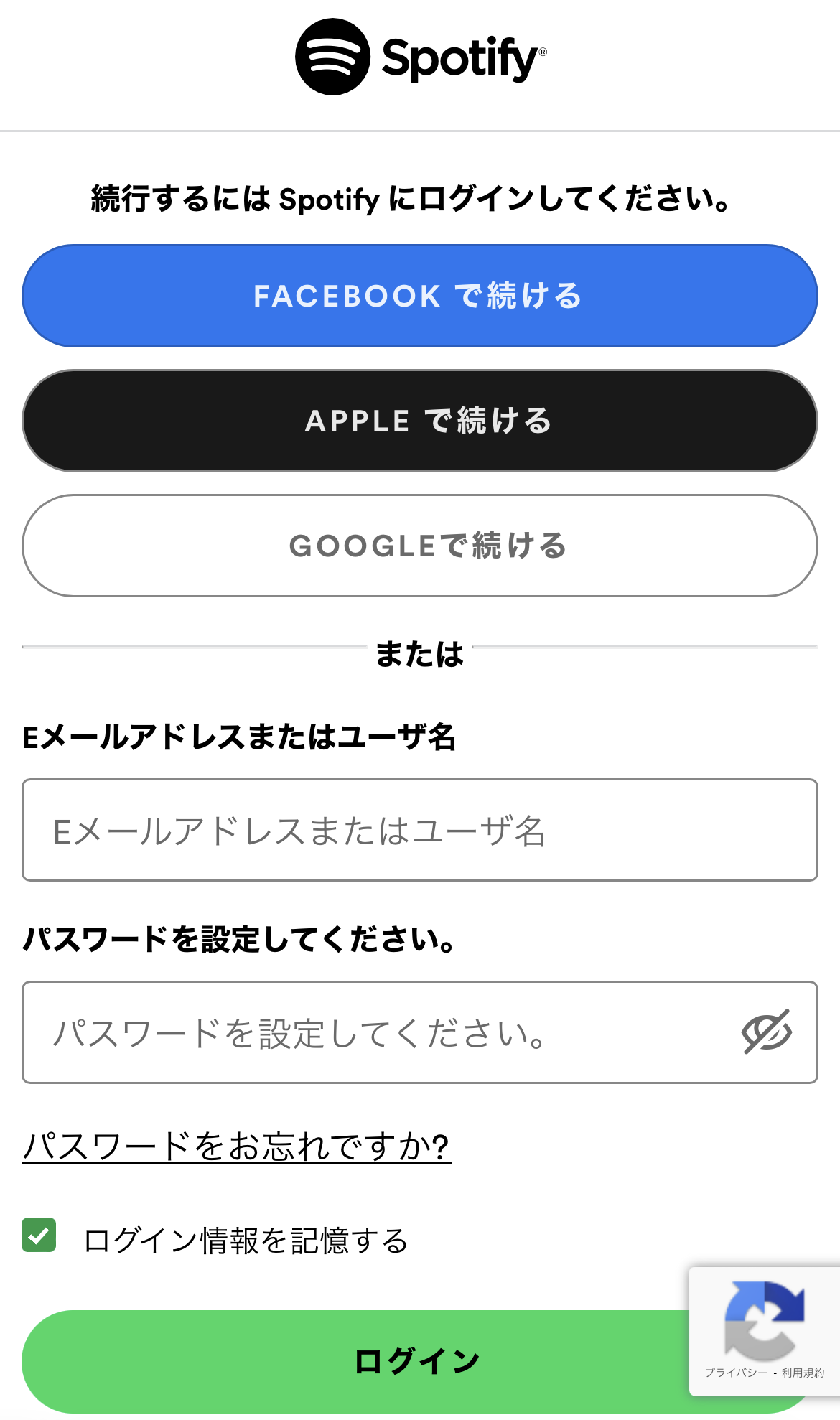
③ When 「Success|We will save it to your Spotify library on the release date.」 is displayed at the top of the screen and the button changes to 「Pre-saved」, setup is complete.
※ After completion, you may be asked for consent to 「Want The latest updates」 and email, but do not agree and press × to close.
※ If the connection does not work properly and it is not added to your library on the release date, please add it directly from the product page.
※ If you are using the Pre-add / Pre-save feature for the first time, you will need to connect your music streaming app with 「Linkfire」 using the method ② procedure above.
※ Please open each page with Safari or Google Chrome. If you open the page within another app like LINE, authentication may not work properly.
※ Communication fees and monthly membership fees for each music streaming site are your own responsibility.
MusicUpdated 2026-02-17