News detail
夢限大みゅーたいぷ 1st Album「プログレス サイン」のApple Music・Spotify事前予約(Pre-add / Pre-save)キャンペーン開催
夢限大みゅーたいぷ 1st Album「プログレス サイン」のデジタルリリースを記念して、Apple Music・Spotify事前予約(Pre-add / Pre-save)キャンペーンを実施いたします。Apple M [...]
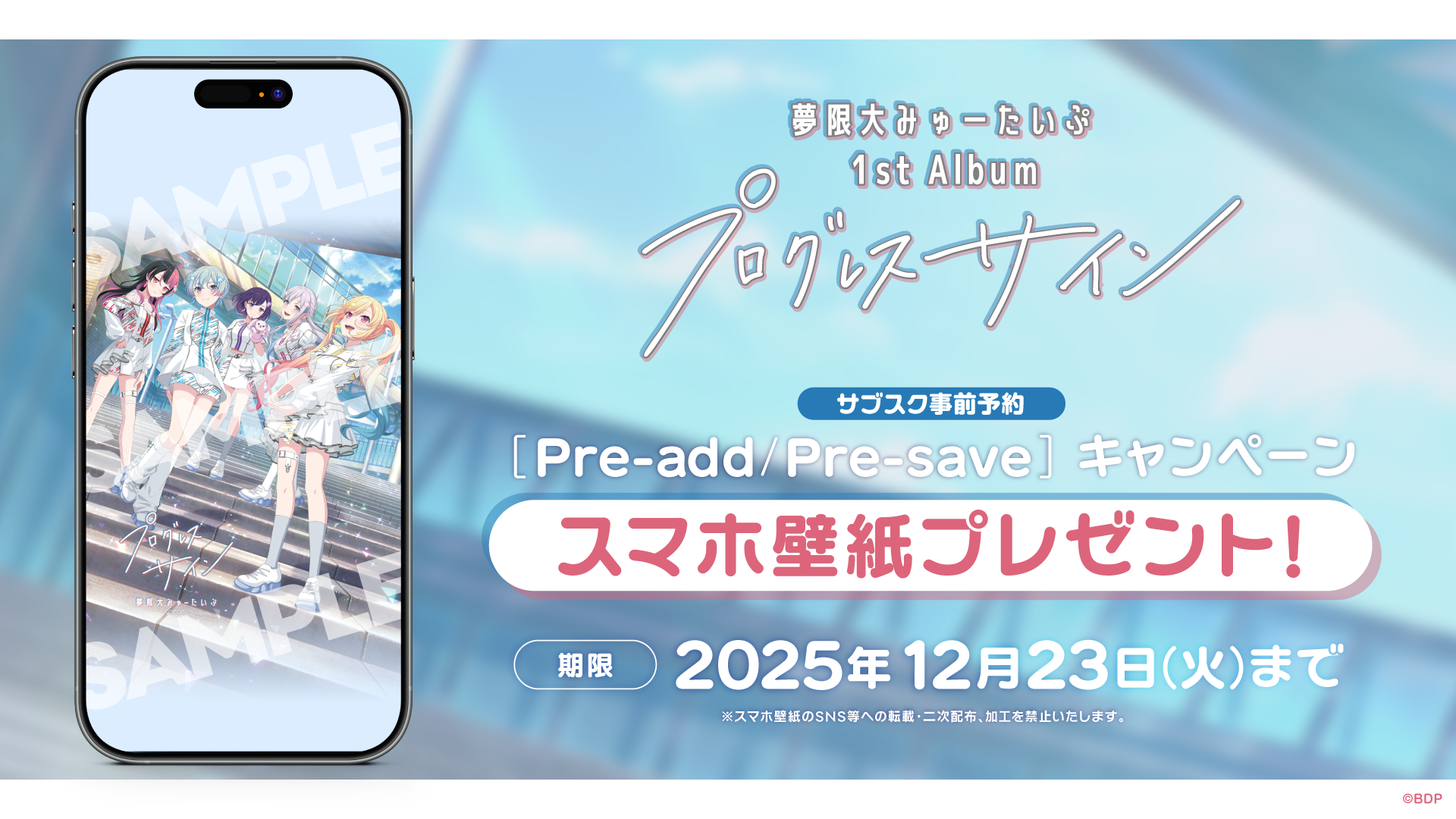
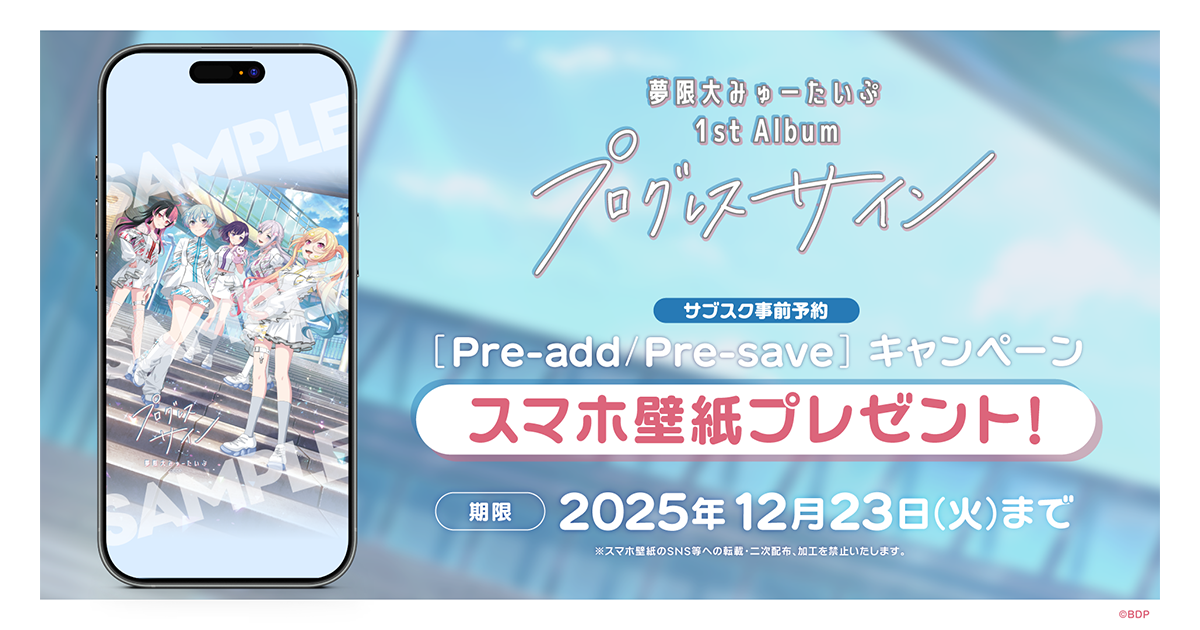
Dream Unlimited Myutaipu 1st Album「Progress Sign」To celebrate its digital release, we will conduct an Apple Music・Spotify advance reservation (Pre-add / Pre-save) campaign.
We will present「smartphone wallpaper」 to all those who perform Pre-add / Pre-save (Library advance reservation) on Apple Music or Spotify via the page below during the campaign period.
It's very easy to apply, so please definitely participate!
Campaign Period
Until 20:00 on December 23, 2025 (Tuesday), the day before release
How to ApplyPlease set Pre-add / Pre-save on Apple Music or Spotify from the campaign page at the URL below.
https://link.fans/yumemita-progresssign-pre
■Spotify
When you click the「Pre-save on Spotify」button, it will be added to your Spotify account's MY MUSIC on the release date.
■Apple Music
When you click the「Pre-add on Apple」button, it will be added to your Apple Music account's Library on the release date.
Reward

*The wallpaper image is the same design for both Apple Music and Spotify.
*There is only one size available for the smartphone wallpaper. Please adjust the size according to your smartphone and use it.
*Reproduction (including SNS, etc.), secondary distribution, processing (excluding size adjustment), commercial use, and transfer to others of the smartphone wallpaper are strictly prohibited.
*Using the smartphone wallpaper in activities that damage the image of this content is prohibited.
What is Pre-add / Pre-save?
Apple Music's Pre-add and Spotify's Pre-save are functions that allow you to reserve albums or singles in advance before release.
If you do Pre-add / Pre-save in advance, they will automatically be added to your library and playlists after the release begins.
*In some cases, synchronization may not work properly and the item may not be added to your library on the release date. If this happens, please add it directly to your library from the work's page.
*You can perform Pre-save (Library advance reservation) even with a Spotify free plan.
*Please open each page with Safari or Google Chrome. If you open the page in another application such as LINE, authentication may not work properly.
*Communication charges for participating in this campaign and monthly fees for each distribution service will be borne by you.
MusicUpdated 2026-02-17