![[Music Distribution] Afterglow 2nd Album 「STAY GLOW」 Pre-order (Pre-add / Pre-save) Campaign Launch!](https://api.bandori.fans/v1/images/news/64f72e9f-6a08-58e0-9f54-f0096a2feb6b.png)
News detail
【音楽配信】Afterglow 2nd Album「STAY GLOW」の事前予約(Pre-add / Pre-save)キャンペーン開催!
2023年4月26(水)配信のAfterglow 2nd Album「STAY GLOW」を、Apple MusicもしくはSpotifyにて、期間内に下記ページからリリース前にPre-Add/Pre-Save(ライブラ [...]
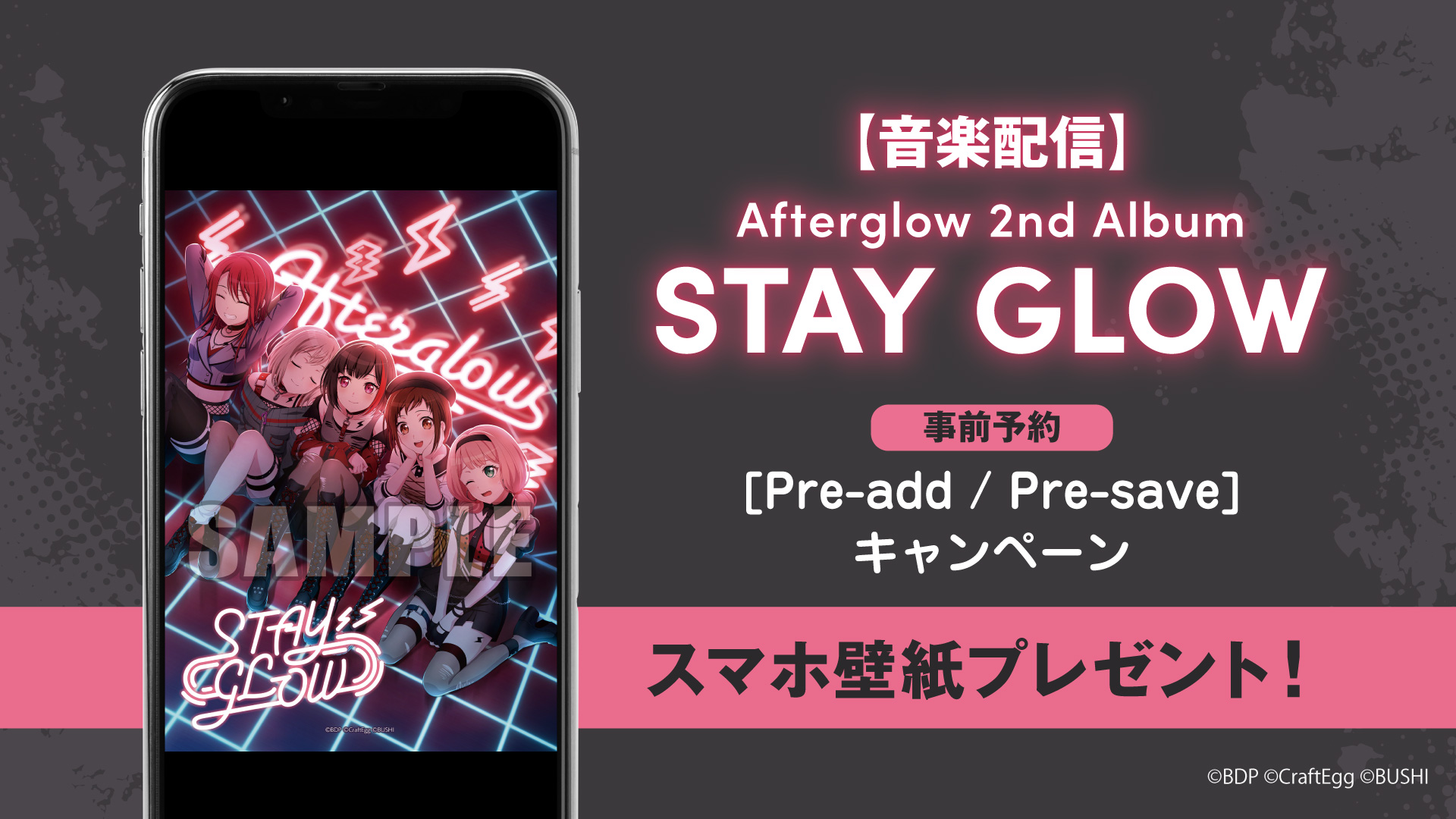
Distributed on April 26 (Wed), 2023 forAfterglow 2nd Album「STAY GLOW」We'll present a smartphone wallpaper of the standard edition jacket design to everyone who Pre-Added/Pre-Saved via Apple Music or Spotify from the page below during the campaign period before release!
It's easy to enter, so please definitely participate!
Until April 25 (Tue), 2023 at 23:59
How to ParticipatePlease set up Pre-Add/Pre-Save via Apple Music or Spotify from the page below.
https://www.toneden.io/spaceshower/post/afterglow-2nd-album-stay-glow
① Press [Tap Here] on the campaign page.
② Select Apple Music or Spotify and authorize access to each app.
③ Once authentication is complete, press [Tap Here] again.
④ For smartphone users, enter your email address and the original smartphone wallpaper will be sent to you via email.
For PC users, please check your Downloads folder.
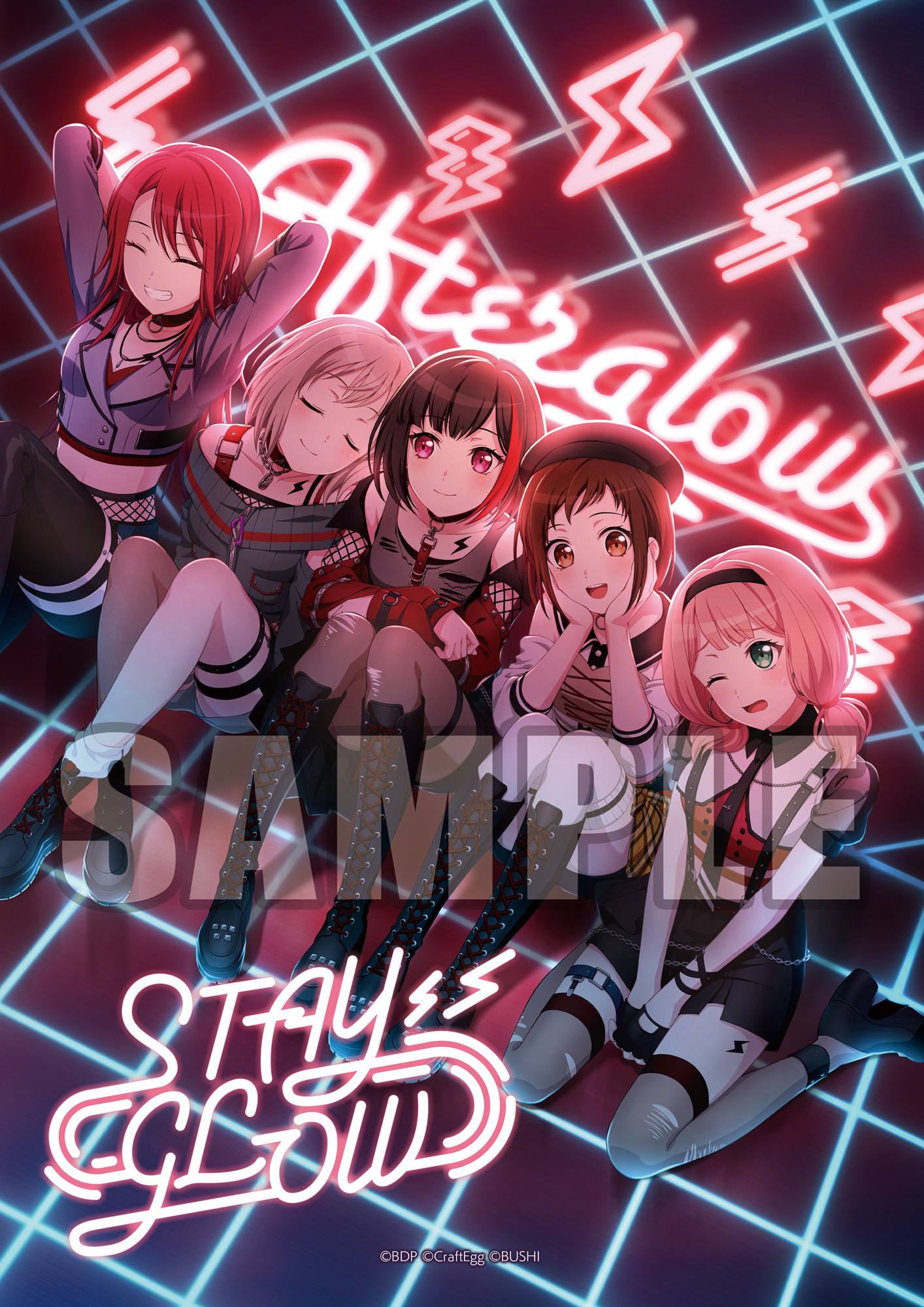
※ The wallpaper image will be the same design on both Apple Music and Spotify.
※ The smartphone wallpaper size is only one type. Please adjust the size to fit your smartphone and use it.
※ Secondary distribution and editing of the smartphone wallpaper are prohibited.
※ Use of the smartphone wallpaper for activities that damage the impression of this content is prohibited.
What is Pre-add / Pre-save?
Apple Music's Pre-add and Spotify's Pre-save are functions that allow you to pre-order albums or singles before their release.
If you Pre-add/Pre-save in advance, the music will automatically be added to your library or playlist when distribution begins.
※ In case the sync does not work properly and the music is not added to your library on the release date, please manually add it from the product page.
※ Please open each page in Safari or Google Chrome. Opening the page in other apps like LINE may result in authentication failure.
※ If this is your first time using this feature, you will need to initially link each music app with 「ToneDen」.
※ Communication fees and monthly subscription fees for each distribution site incurred by participating in this campaign are the responsibility of the customer.
MusicUpdated 2026-02-17