View Japanese original
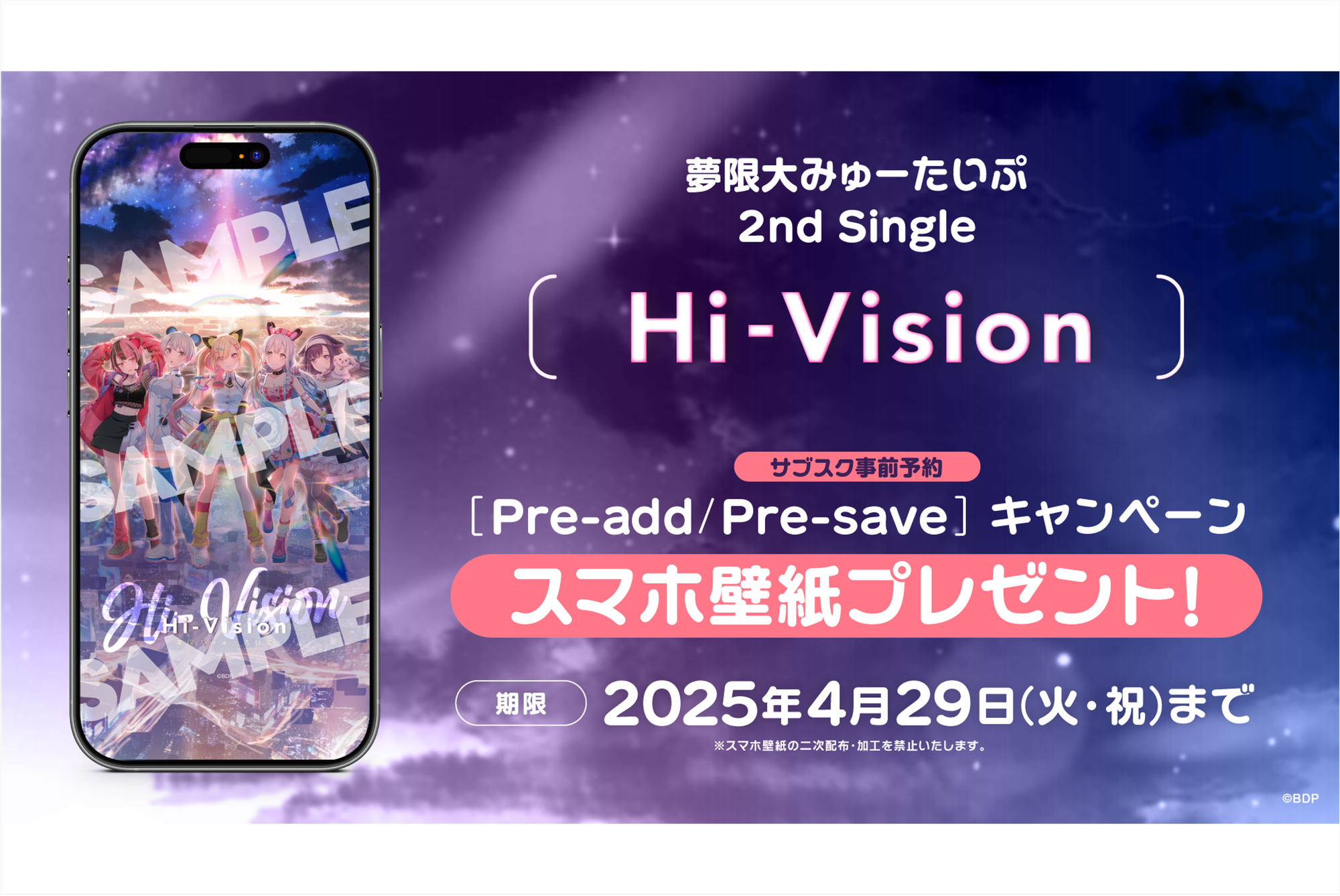
夢限大みゅーたいぷ 2nd Single「Hi-Vision」のApple Music・Spotify事前予約(Pre-add / Pre-save)キャンペーン開催
夢限大みゅーたいぷ 2nd Single「Hi-Vision」のデジタルリリースを記念して、Apple Music・Spotify事前予約(Pre-add / Pre-save)キャンペーンを実施いたします。 Apple [...]

Dream Limit My Type 2nd Single「Hi-Vision」To commemorate the digital release, we will hold an Apple Music and Spotify pre-order (Pre-add / Pre-save) campaign.
We will give a gift of「smartphone wallpaper」to everyone who does Pre-add / Pre-save (library pre-booking) via Apple Music or Spotify during the specified period from the following page.
It's easy to apply, so please definitely participate!
Target Period
Until 8:00 PM on April 29, 2025 (Tuesday/Holiday), the day before release
How to ApplyPlease set Pre-add / Pre-save via Apple Music or Spotify from the campaign page at the URL below.
https://link.fans/yumemita-hivision-pre
■Spotify
When you click the「Pre-save on Spotify」button, it will be automatically added to the MY MUSIC of your Spotify account on the release date.
■Apple Music
When you click the「Pre-add on Apple」button, it will be automatically added to the library of your Apple Music account on the release date.
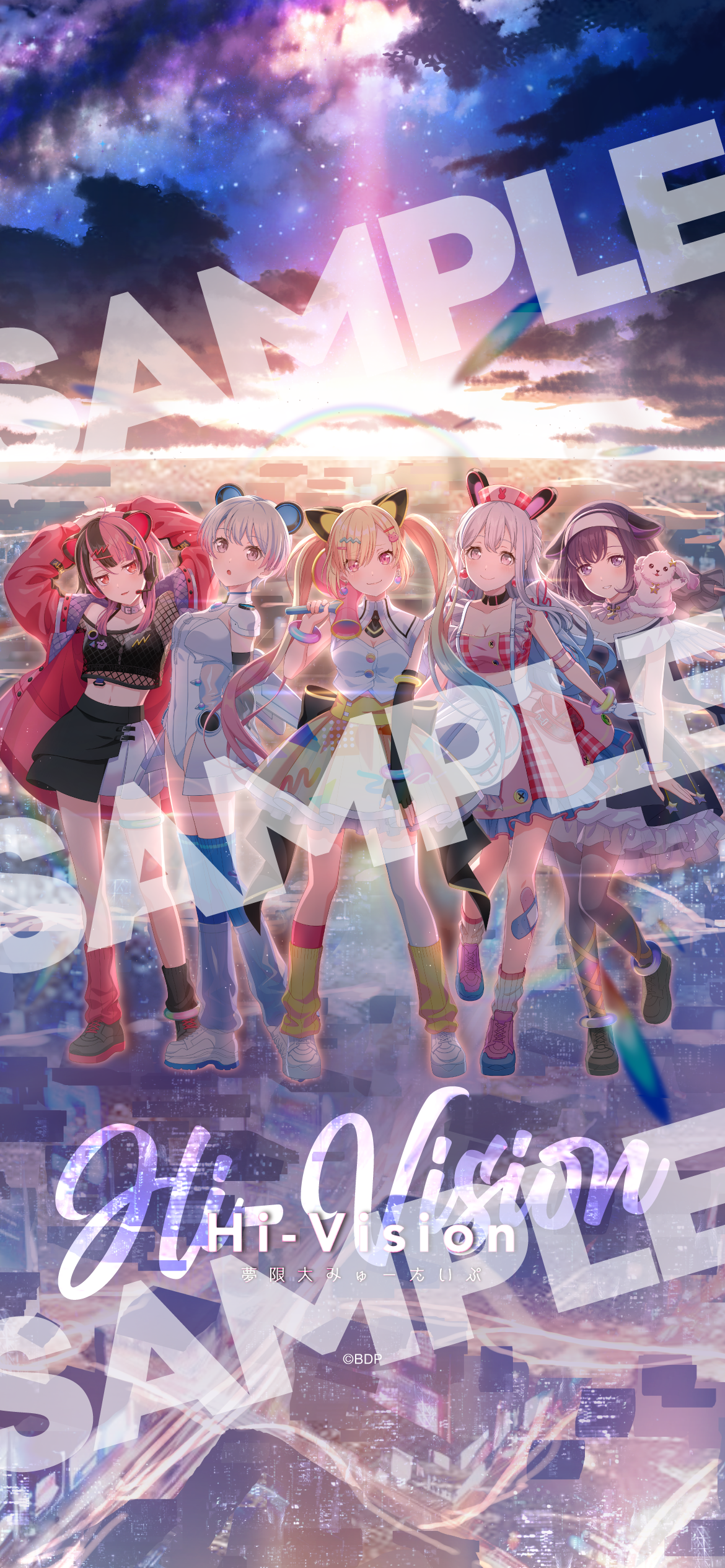
※ The wallpaper image will be the same design on both Apple Music and Spotify.
※ There is only 1 size for the smartphone wallpaper. Please adjust the size to match your smartphone and use it.
※ We prohibit secondary distribution and modification (except size adjustment) of the smartphone wallpaper.
※ We prohibit activities that use the smartphone wallpaper in ways that damage the image of this content.
What is Pre-add / Pre-save?
Apple Music's Pre-add and Spotify's Pre-save are features that allow you to pre-order albums or singles before they are distributed.
If you do Pre-add/Pre-save beforehand, it will be automatically added to your library and playlists after distribution starts.
※ If the syncing doesn't work properly and your library is not updated with the item on the release date,
please directly add it to your library from the work page.
※ Even with Spotify's free plan, you can use Pre-save (library pre-booking).
※ Please open each page in Safari or Google Chrome.
If you open the page in another app such as LINE, you may not be able to authenticate properly.
※ For those using this feature for the first time, you will need to initially link your respective music app and「ToneDen」.
※ Communication costs and monthly fees for each distribution site incurred through participation in this campaign will be borne by you.